Redeem Wing It Codes
Catalogue share codes today, promo gifts if they arrive, and scam patterns to ignore.
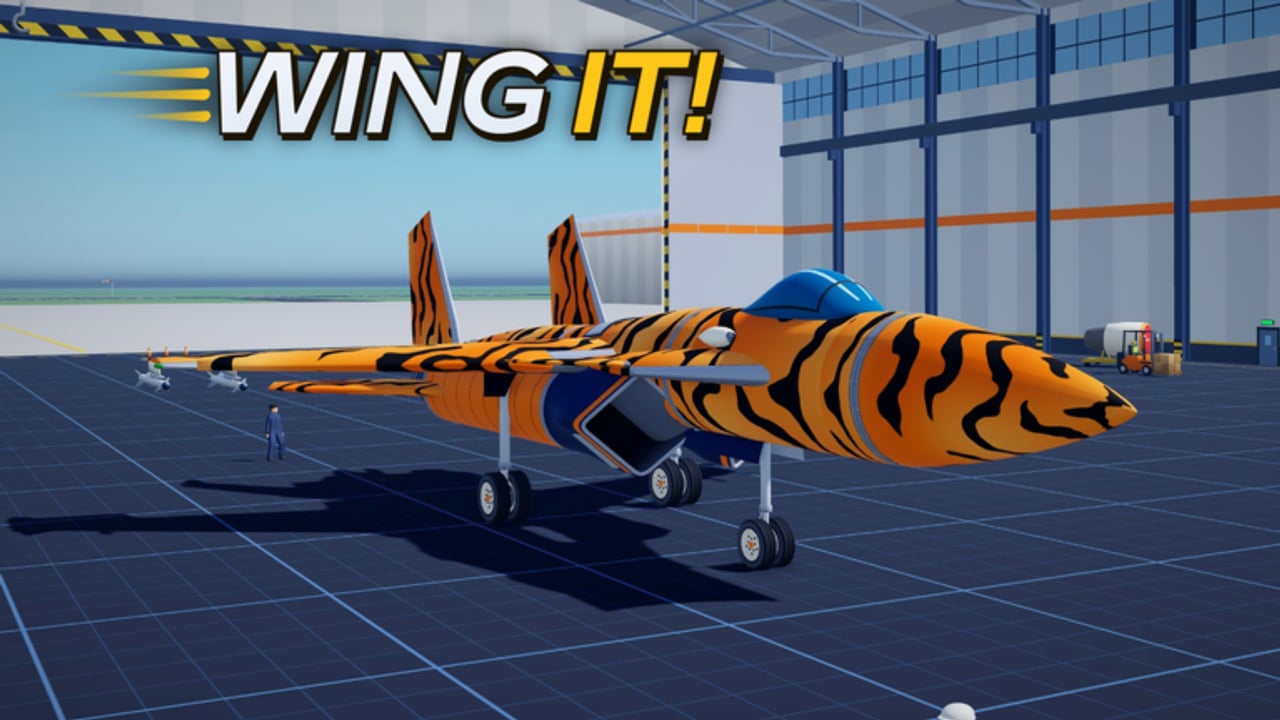
This walkthrough explains how to redeem codes in Wing It! without the usual Roblox wiki fiction. As of November 2026, developer catIoaf’s experience leans on catalog / share codes for plane designs. Traditional promo gift strings (free money, free parts packs typed into a Codes box) are not verified. We still document both flows so you are ready if a patch adds a gift UI — and so you stop falling for screenshot scams.
For status and philosophy, read the Codes Hub. For paste-ready examples and search tips, use Catalog Codes.
Part A — Redeem a catalog share code (works now)
Catalog codes clone someone else’s hangar layout into your catalogue search results.
Steps
- Launch Wing It on Roblox from the official place.
- Enter the hangar (build / career area — not mid-dogfight).
- Open the catalogue / catalog search UI used for shared planes.
- Paste the share string carefully. Example bomber used in flagship guides:
QL-RTY7-2K. - Search / confirm spelling (zeros vs O, dashes, case).
- Preview the airframe if the UI allows; note part requirements you have not unlocked.
- Load or claim the design into your hangar saves.
- Test fly empty before combat or cargo — imports can be twitchy after patches (Updates Hub).
Tips that save hours
- Keep a text file of codes tagged by role (trainer, cargo, fighter, bomber, SSTO) matching Best Planes.
- After importing a bomber for Flagship Bosses, still stock flares yourself.
- If search returns nothing, the code may be expired, mistyped, or broken by a part rename — not a “server VPN” issue influencers invent.
- Never install a browser extension to “unlock catalog VIP codes.”
Part B — Promo / gift codes (not verified yet)
Some Roblox games show a gift box or Codes button on the HUD. Wing It players keep asking; we keep checking. No active verified promo list is published on this wiki right now.
If a Codes UI appears later, use this generic Roblox-safe flow
- Confirm the code from developer announcements or our Codes Hub update — not from paid DMs.
- Launch the official experience only.
- Open the in-game Codes / Rewards panel (wording varies).
- Enter the string exactly; avoid trailing spaces.
- Redeem once; screenshot inventory if rewards are account-bound.
- Note expiry; many codes die without warning.
Until that UI exists, anyone selling “Wing It money codes” is almost certainly lying.
Part C — How to watch for real drops
- Roblox place description changes after updates
- Developer profile / group shoutouts
- Patch notes mirrored on our Updates Hub
- Trusted creators who also publish working catalogue strings
- This wiki’s Codes pages after we independently redeem
Roblox Plus is not a code — it is a subscription that grants +20% money earned in Wing It. Buy it only through official Roblox channels if you want the boost for Cargo Planes farming.
Scam and malware patterns
| Pattern | Reality |
|---|---|
| ”1000 working codes 2026” listicles | Usually recycled from other games |
| Discord “drop your password for free SSTO” | Account theft |
| Loadstring “code redeemers” | Executor malware risk — see Scripts Hub |
| Off-site generators | Fake |
| Paid private code clubs | Almost always empty |
After you redeem a share code — play loop
- Rename the save (
BOMBER_QL,CARGO_01). - Fly a pattern using Controls.
- Assign it a mission from Getting Started priorities.
- Interlink your goals with Career Ranks.
- When ATC calls a no-transponder giant, you will already own a bomber that is not theoretical.
Related pages
Codes Hub · Catalog Codes · Guides Hub · Tier List Hub · Wiki Links
Redeem carefully, fly the import, and treat every miracle money string as false until it works in your hangar.
Frequently Asked Questions
Quick answers to the most common Wing It questions.
Where do I enter QL-RTY7-2K?
In the hangar catalogue / catalog search, not in a random website form. It loads a bomber design for study.
Why did my promo code fail?
Most published Wing It promo strings are unverified or copied from other games. Confirm on the Codes Hub before retry spam.
Do codes work on mobile?
Catalog search works wherever the hangar UI is available. Typing dashes carefully on mobile is the usual failure point.
Can I redeem the same catalog code twice?
You can usually re-search and re-save. Keep local copies named clearly so you do not overwrite a tuned variant.
Is Roblox Plus redeemed with a code inside Wing It?
No. Plus is purchased via Roblox and then grants +20% money automatically while active.